
You’ve probably seen news about organizations announcing they’re leaving Microsoft 365 for open-source alternatives. The press release talks about sovereignty and control. Some succeed, but for many, you stop hearing from them.
The real reason: They underestimated what they were actually asking their organization to do.
The lock-in nobody talks about
Microsoft’s real competitive advantage can’t be found in its feature set. It’s that your colleague in accounting has used Outlook for fifteen years and can process invoices in her sleep. Your sales team’s entire workflow assumes SharePoint’s specific quirks. Ten thousand tiny learned behaviors add up to institutional muscle memory.
Try to replace that, and you’re asking everyone to relearn how to do their job while still hitting their targets. Training sessions help at the margins. What really happens is productivity drops for months, support tickets multiply, and the people who were most efficient in the old system become the most frustrated in the new one.
Migration projects fail because organizations can’t absorb that much disruption at once without something breaking. The technical capability of the new platform rarely matters.
The interface is the moat
User adoption is the actual barrier in migration projects. Microsoft has spent decades making sure Outlook feels like Outlook, and that Excel works the way people expect Excel to work. That consistency across versions and deployments is worth more than any individual feature.
When you tell someone they need to learn a completely new interface to do the same work they did yesterday, you’re asking them to surrender expertise they’ve built over the years. People resist that for good reasons.
Decoupling the problem
Today, you can separate where data lives from how people interact with it.
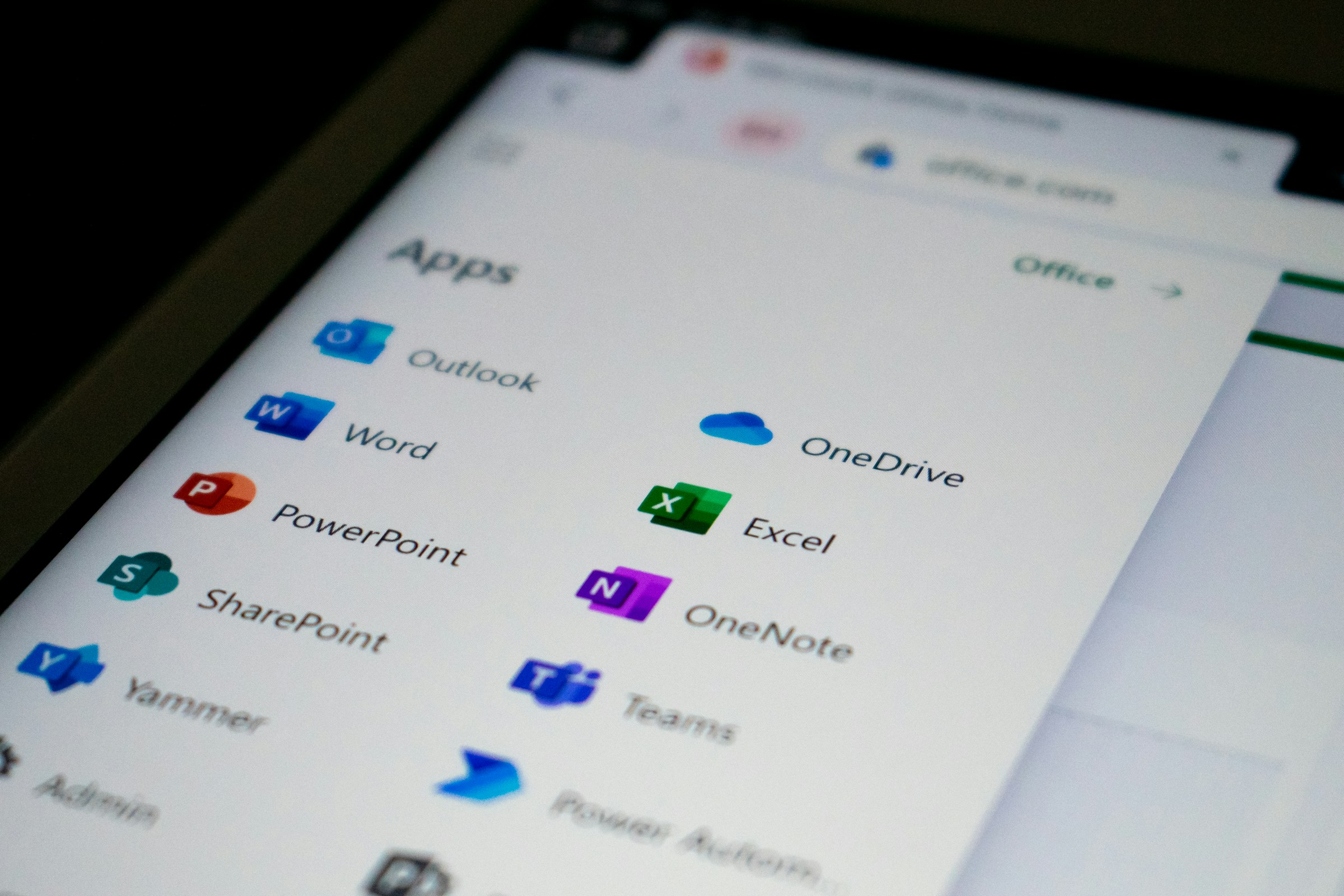
The technical architecture exists to let organizations keep using Microsoft’s collaboration interfaces while storing everything on infrastructure they control. Outlook still looks like Outlook. Teams still feels like Teams. The actual data sits on servers under European jurisdiction.
This approach doesn’t solve every sovereignty problem. You’re still running Microsoft software, still subject to licensing terms, still dependent on their roadmap decisions. But you’re not asking thousands of employees to rebuild their workflows from scratch while you’re trying to establish data independence.
What actually works
The organizations making progress on digital sovereignty aren’t the ones announcing dramatic platform switches. They’re the ones quietly decoupling their data layer from their application layer. Running familiar tools on top of the infrastructure they control.
It’s less heroic than a full migration. Doesn’t make for exciting interviews about breaking free from big tech. But it’s what you can actually execute without your organization falling apart during the transition.
Governments won’t tell every ministry to stop using Microsoft products overnight. Businesses moving to sovereign infrastructure aren’t handing employees a completely foreign collaboration suite and hoping for the best. They’re finding ways to achieve the control they need without the productivity collapse that kills most migration attempts.
The real choice
Perfect sovereignty would mean building everything yourself and controlling every layer of the stack. It would also mean your organization spends the next two years unable to function properly while people learn new systems.
The practical version recognizes that independence has gradations. Moving your data to infrastructure you control while keeping interfaces people already know how to use isn’t a compromise. It’s recognizing that user adoption is a technical constraint as real as any other.
Microsoft’s moat is the accumulated expertise of millions of people who know how to get work done using their tools. You don’t defeat that by asking everyone to start over. You defeat it by building underneath it.


